Install IPTV Smarters Pro on Samsung TV (2026 Guide)
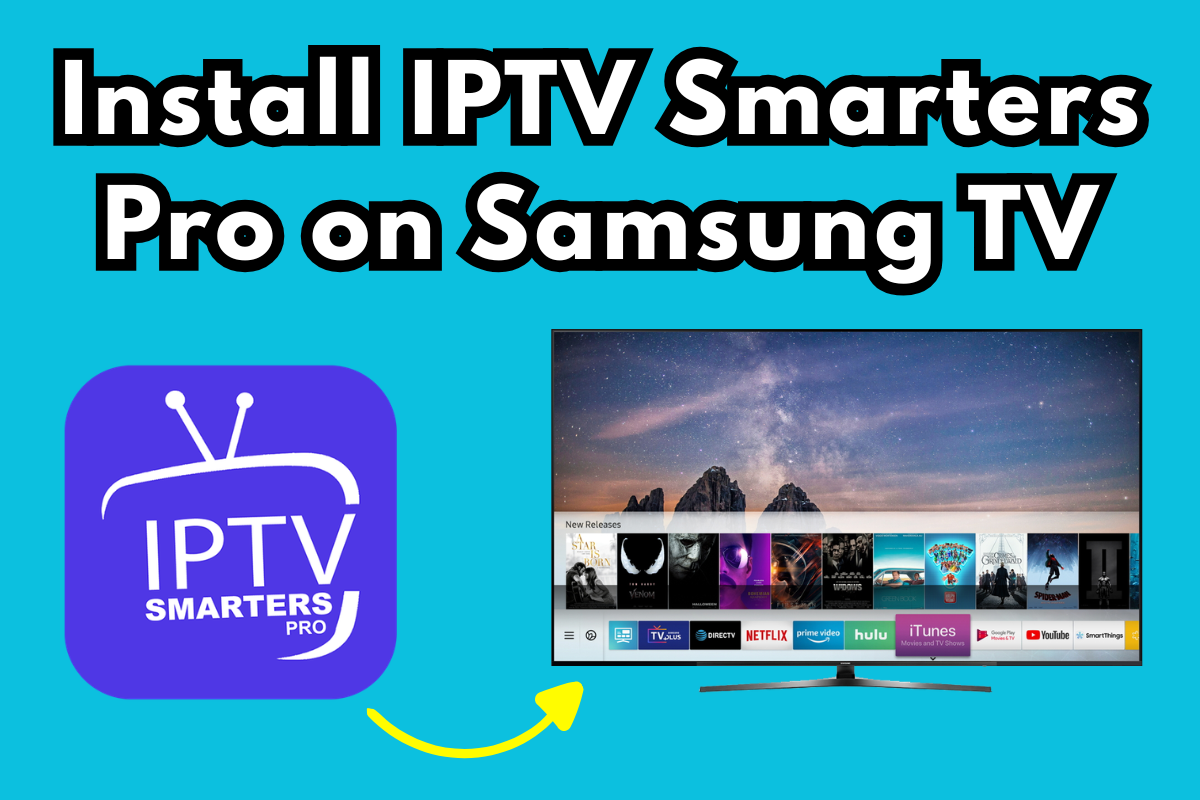
Your Samsung Smart TV is actively hiding apps from you. You bought a high-end 4K display, but thanks to aggressive 2026 region locks and licensing battles, finding popular streaming tools often feels impossible. If you are staring at an empty search result where IPTV Smarters Pro should be, you are not alone. Let’s bypass the restrictions and get your live channels running in under five minutes.
Quick Answer
To install IPTV Smarters Pro on your Samsung TV, press the Home button and open the Smart Hub. Search for the app and select Install. If it is missing due to region locks, you must download the Tizen installation file to a USB drive and sideload it manually.
Key Takeaways:
- Search First: The app is available directly in the Smart Hub for many regions without any extra steps.
- Credentials Matter: You will need an active M3U link or Xtream Codes API login from your service provider.
- Sideloading is Possible: USB installation works perfectly for Tizen OS if the official store removes the app.
- The Hardware Bypass: A cheap streaming stick instantly solves Samsung’s strict app restrictions.
Method 1: The Official Smart Hub Route
For many users, Samsung has restored IPTV Smarters Pro to the official app store. This is the fastest and safest way to get your media player running without external hardware.
Step-by-Step Installation
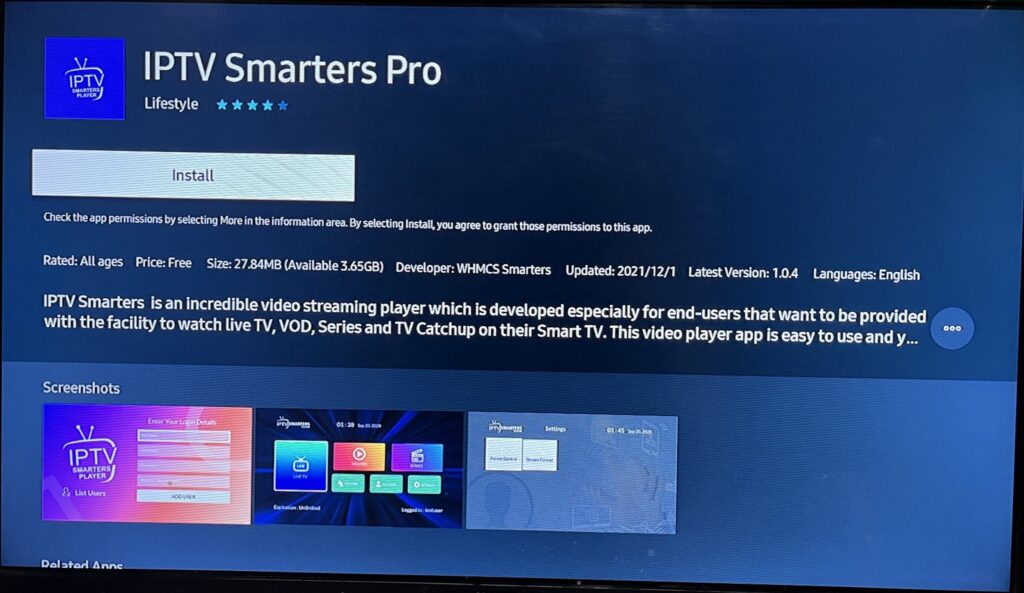
- Grab your Samsung remote and press the Home button.
- Navigate to the left menu and select Apps to open the Smart Hub.
- Move to the magnifying glass icon at the top right.
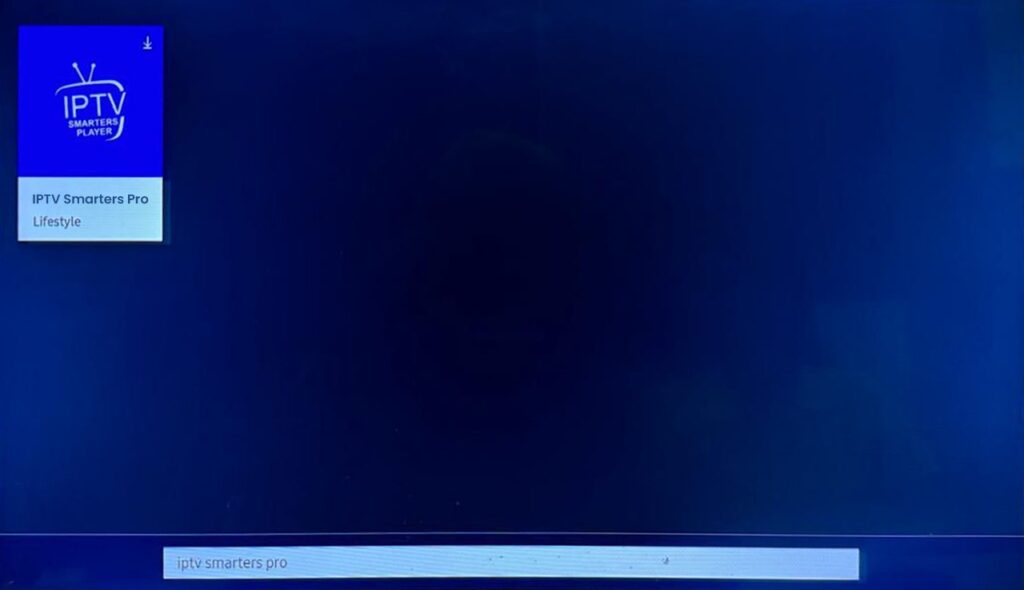
- Type IPTV Smarters Pro.
- Highlight the official application and click Install.
Entering Your Credentials
Opening the app for the first time will present a blank slate. You are providing the video player; your service provider supplies the actual content. Select Add Your Playlist (via XC API).
You will be asked for a Name (choose anything), Username, Password, and a Server URL. These details come directly from your IPTV provider via an Xtream Codes API or an M3U link. Type them carefully, as a single typo will trigger a login failure.
Method 2: The USB Sideloading Workaround
Samsung runs on Tizen OS, not Android. This means you cannot simply download an APK file from the web. When Samsung pulls IPTV Smarters from your local region, you have to use a USB flash drive to force the installation.
You will need a computer and an empty USB drive formatted to FAT32. Download the official IPTV Smarters Pro Tizen widget file (usually a .zip folder provided by your IPTV host). Unzip the folder directly into the root directory of your USB drive.
Turn on your Samsung TV and plug the USB drive into the back port. The TV will automatically detect the drive, and the IPTV Smarters Pro icon will appear in your My Apps section. Warning: You must leave the USB drive plugged into the TV. If you remove it, the application immediately disappears.
Expert Insight: Stop Fighting Tizen OS (The $30 Bypass)
Most outdated guides tell you to mess with your TV’s developer mode or factory reset your device to change the region code. I strongly advise against this. Changing your Samsung region to the US or UK might give you access to IPTV Smarters, but it will permanently delete your local applications like Hulu, BBC iPlayer, or regional news channels.
Here is the contrarian reality: The native Samsung Smart TV processor often struggles with heavy live TV playlists anyway, leading to unnecessary buffering and lag.
Instead of fighting Samsung’s closed ecosystem, spend $30 on a basic Google TV 4K Chromecast or an Amazon Fire TV Stick. Plug it directly into an HDMI port. You bypass Samsung’s App Store restrictions entirely, gain access to the open Android ecosystem, and get a much faster, crash-free interface. When an app gets banned on Samsung, it usually stays fully available (or easily sideloaded) on Android.
Comparing Your Installation Options
| Installation Method | Difficulty Level | Risk of App Being Removed | Best For… |
| Samsung Smart Hub | Extremely Easy | High (Subject to region locks) | Users in supported regions who want quick access without extra cables. |
| USB Sideloading | Moderate | Zero (Runs offline from USB) | Users whose App Store blocks the download but want to use the native TV. |
| External Streaming Stick | Easy | Very Low | Anyone experiencing buffering, missing apps, or seeking a smoother UI. |
Answers to Common Questions
Why does IPTV Smarters Pro say “Authorization Failed” on my Samsung TV?
This error almost always means you have a typo in your login credentials. Double-check your Username, Password, and Server URL provided by your host, ensuring you aren’t confusing a capital “I” with a lowercase “l”.
Can I install an Android APK file directly onto my Samsung Smart TV?
No. Samsung TVs use a proprietary operating system called Tizen OS, which cannot read or install Android APK files. If you want to use an APK, you must connect an external Android-based device like a Firestick or Nvidia Shield to your TV.
Is it safe to use a USB drive to sideload apps on my TV?
Yes, sideloading via a FAT32-formatted USB drive is perfectly safe as long as you source the Tizen .zip file from a reputable provider. However, the app runs directly from the memory stick, so do not unplug the drive while the TV is powered on.